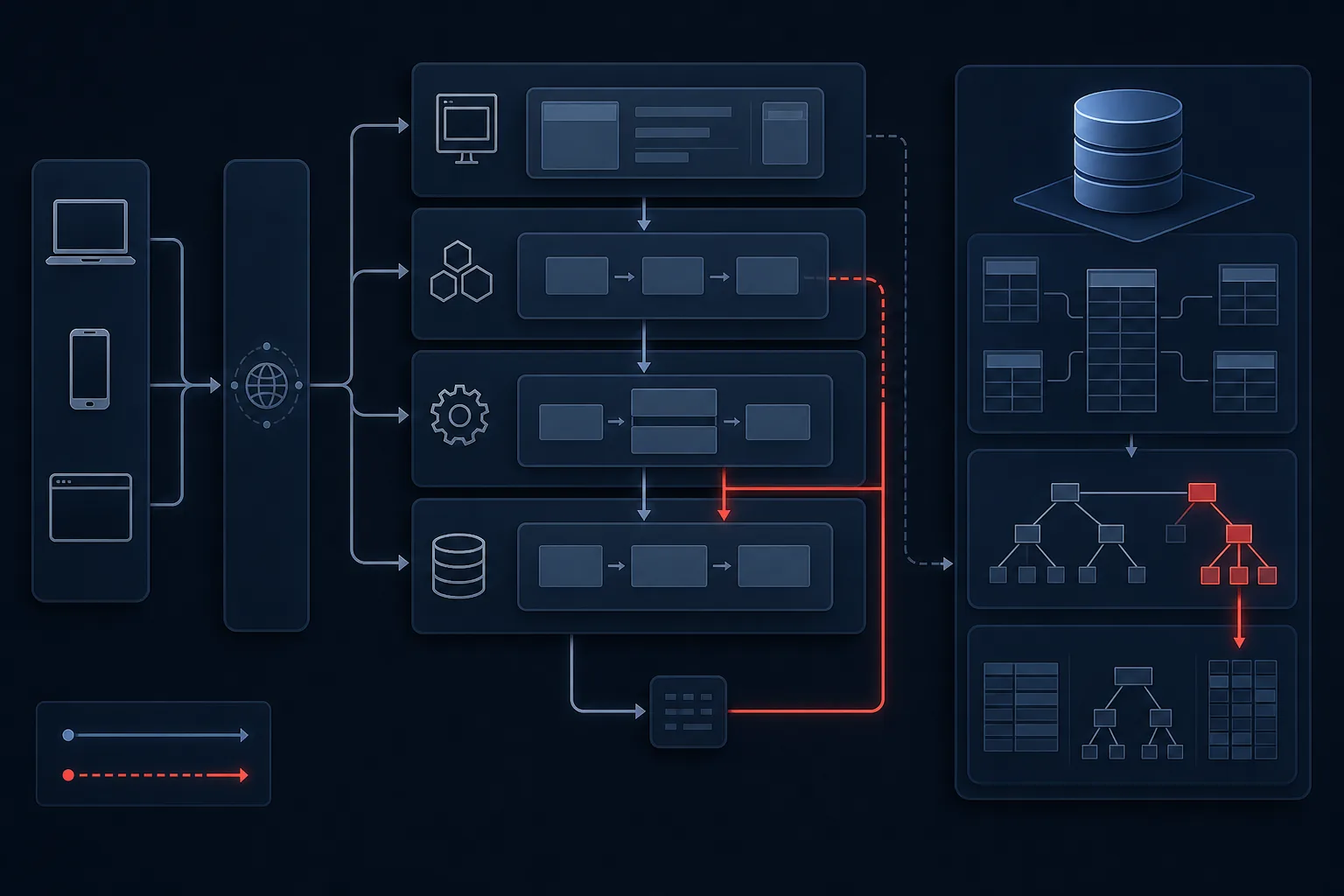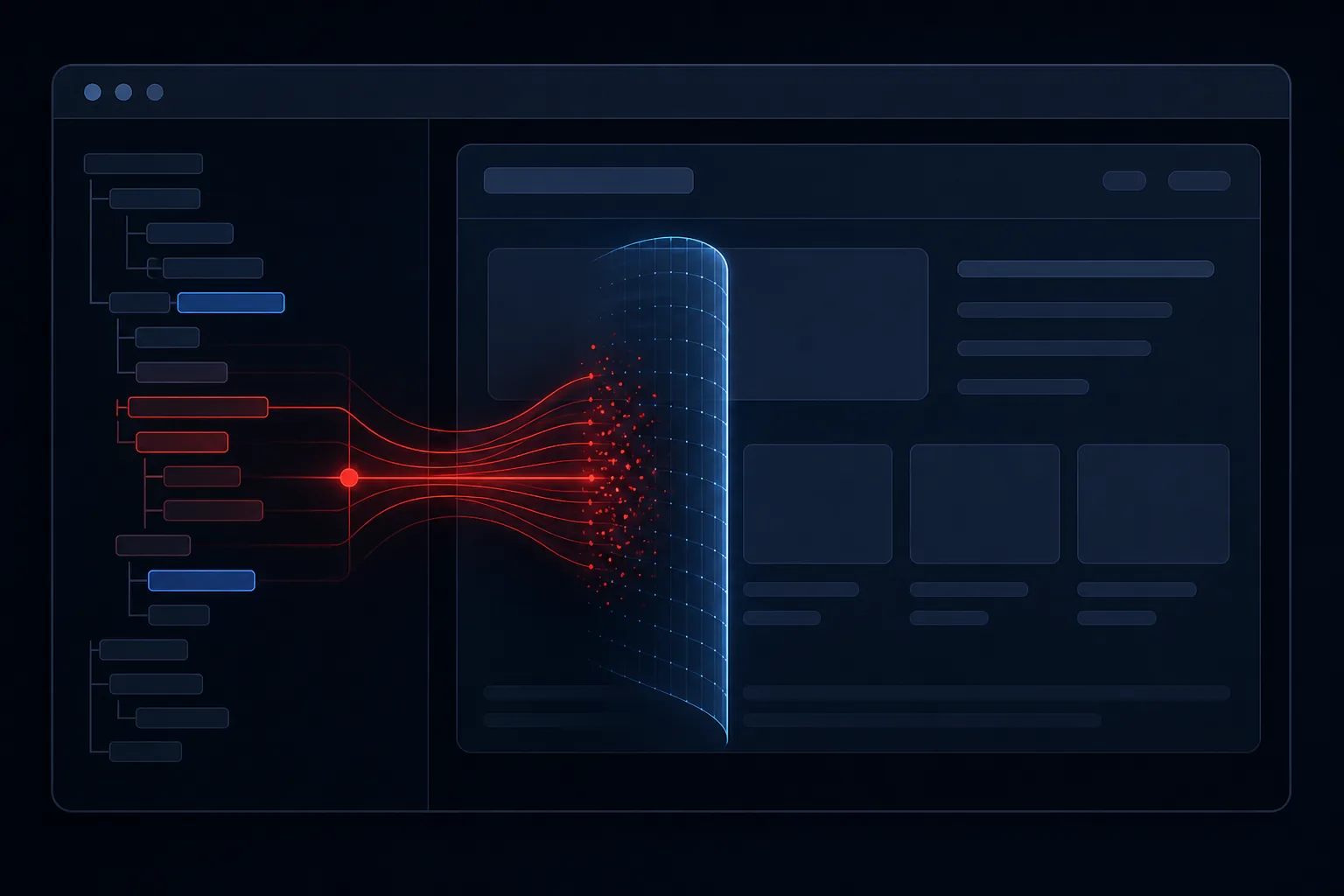

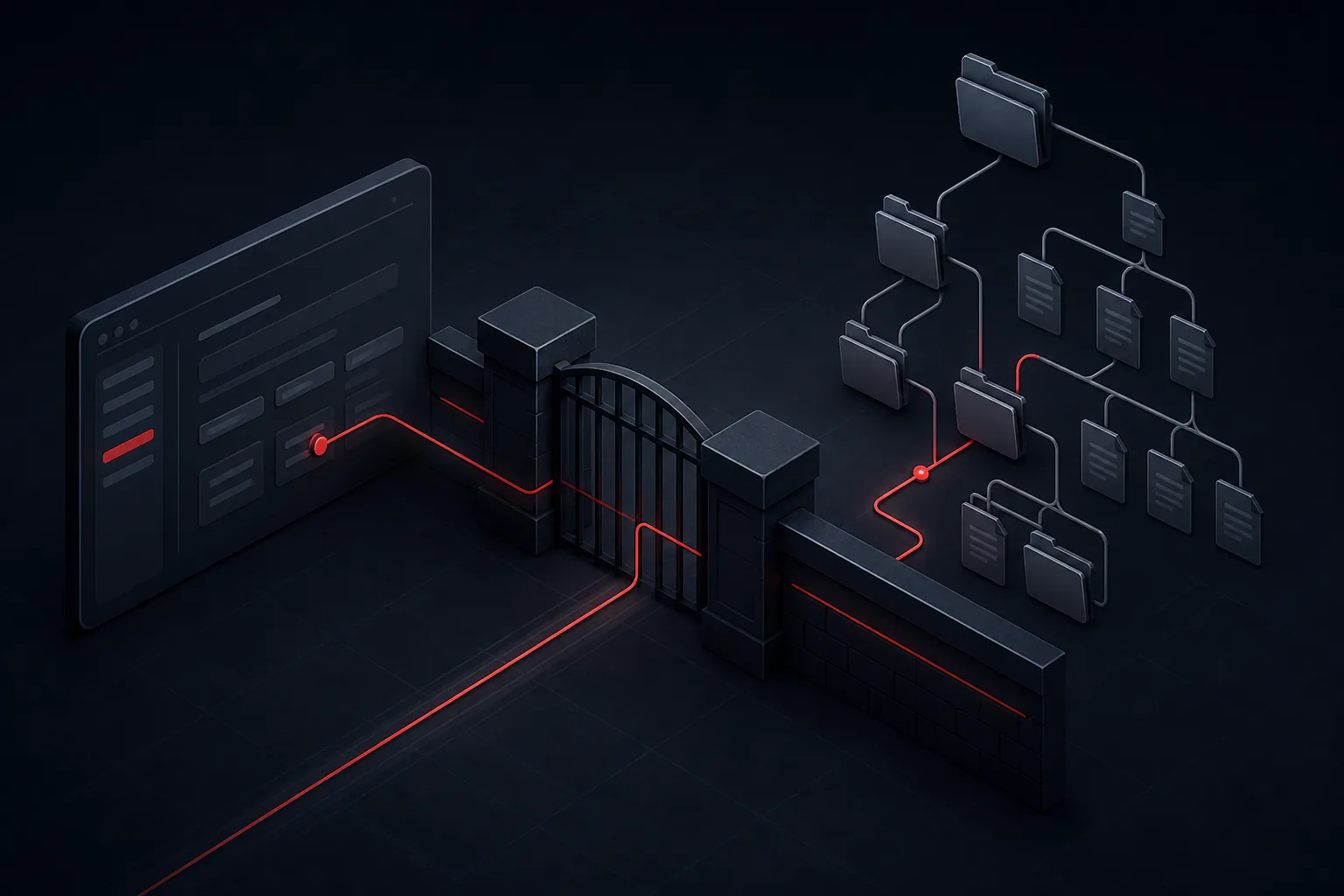
Local file inclusion, or LFI, occurs when an application uses user-supplied input to decide which file to read or include from the local filesystem. If that input is not constrained, the application can be persuaded to open files the developer never intended to expose.
The underlying idea is small. The operational impact is not. LFI is a file-handling failure: the application treats a path, template name, or language parameter as trusted when it is not.
What LFI is
Many applications load templates, configuration snippets, or documents based on a parameter. A localisation feature might include a language file. A document viewer might open a file by name. Those features are legitimate. They become LFI when the parameter can point outside the intended directory.
The application, running as a service account, then reads whatever that account can read — application source, configuration, or other files on the host.
Why it occurs
LFI is usually the result of concatenating a user value onto a filesystem path and opening the result. Directory traversal sequences and absolute paths are the typical ways that value escapes the intended folder. Missing canonicalisation — resolving the path before use — allows the escape to succeed.
Common application weaknesses
- Template, page, or language parameters mapped directly to files
- Download or preview features that accept a file path instead of an internal identifier
- Insufficient restriction of the working directory used for includes
- Service accounts with permission to read files beyond the application directory, including logs
Security impact
At minimum, LFI can disclose files the application can read. That may include credentials, source code, or environment configuration. If logs or other writable files are readable through the same mechanism, the issue can become more serious — but that escalation depends on additional weaknesses and should be assessed on evidence, not assumed.
How security testers identify it
Testers look for parameters that appear to select files, templates, or resources. They then determine whether the application constrains those values to a known set, or whether it opens an attacker-influenced path. Confirmation is based on whether unauthorised local files are returned or included — not on speculative chaining.
Review of include and file-open functions in source, combined with observation of live responses, is more reliable than treating every path-like parameter as a confirmed finding.
Secure file handling and remediation
Allowlisting
Do not let users supply filesystem paths. Map a small set of allowed keys — language codes, document IDs, template names — to files the application already knows. If the value is not on the list, reject it.
Input validation
If a filename must be accepted, allow only a strict pattern and resolve it against a dedicated directory. After resolution, verify that the canonical path still sits inside that directory. Reject attempts to traverse or to use absolute locations.
- Replace path parameters with internal identifiers
- Open files only from a dedicated, least-privilege directory
- Reduce the service account's read access to logs and system files
- Retest the original parameter after the change
LFI is prevented by never letting untrusted input choose a file. Allowlists and least privilege do the rest.